Home / Smart TV
Device recipe
How to set up a smart TV: a four-course menu
Connect, update, apps, then picture. In that order, for the best result.
Prep time20 minDifficultyEasyServes1 TV
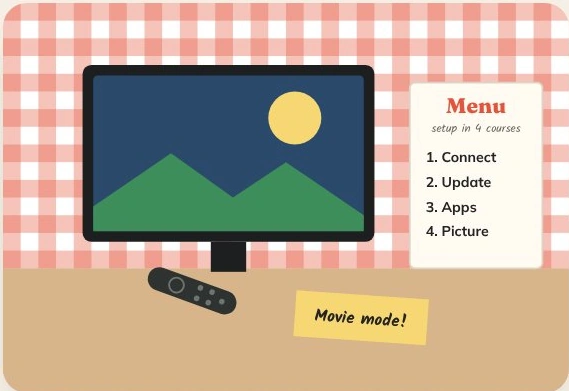
The short version
Connect, update the software, install your apps, then set the picture mode.
The menu
Ingredients
Method
Course 1: connect
Choose a trusted home network or plug in Ethernet.
Course 2: update
Let the TV finish software updates before installing apps.
Course 3: apps
Install the apps you use from the TV’s store.
Course 4: picture
Start with Movie or Filmmaker mode and adjust for your room.
Chef’s note · Automatic updates help keep the TV and its apps compatible.
Kitchen questions
What should I try first?
Start with the ingredients for your device. Note the original settings so you can undo one change at a time.
Where should I download apps?
Use the store on your device and check the publisher before installing.